
50 ideas
Couple widget ideas: what to send to your partner’s home screen
A couple widget is exciting for about a fortnight. You send each other everything, then you run out of things to send, and by the second month it is showing a photo from three weeks ago. Almost every couple hits this, and it is a shortage of ideas, not of affection.
Last updated
The fix is to stop treating the widget as a place for good photos. It is a place for evidence that you were thought about, and the bar for that is very low. A picture of your lunch counts. So does a colour and two words.
These are grouped by how much effort they take, because the updates that keep a widget alive are the cheap ones you can send on a day when you have nothing in you.
Photos that take five seconds
No composition needed. The subject is "this is where I am", which is all a widget photo has to say.
- 1Whatever is in front of you right now.
- 2Your lunch, however unremarkable.
- 3The view from where you are sitting.
- 4Your shoes, on the way somewhere.
- 5The sky, when it is doing something.
- 6A dog you met.
- 7Your desk at its worst.
- 8The queue you are stuck in.
- 9Your coffee before you drink it.
- 10Something in a shop window they would like.
Photos worth a little thought
Still quick, but aimed at them specifically.
- 1A selfie pulling the face they always laugh at.
- 2Something that reminded you of them, with a caption saying why.
- 3The place you first met, if you happen to pass it.
- 4An old photo of the two of you from your camera roll.
- 5What you are cooking, as a preview.
- 6The book or show you are in the middle of, so they can ask about it.
- 7Your outfit, when you are pleased with it.
- 8The thing you bought them, half hidden.
- 9A screenshot of the song you have on.
- 10Their side of the sofa, empty, with a caption.
Captions and words
A coloured background with a few words is the lowest-effort update there is, and often the best received.
- 1Miss you, on a plain colour, and nothing else.
- 2A countdown: three sleeps.
- 3Good luck today, on the morning of the thing.
- 4A one-line review of your day.
- 5What you want for dinner, as a headline.
- 6A line from the song you both know.
- 7Home by seven.
- 8A question for them to answer tonight.
- 9The inside joke, with no context.
- 10Proud of you, on the day they need it.
Drawings
Harder to send carelessly, which is why they land. Thick lines and simple shapes.
- 1A doodle of what you are doing right now.
- 2The weather where you are, as a drawing.
- 3Your mood as a face.
- 4Goodnight, in your own handwriting.
- 5A scribbled map of your day.
- 6An answer to their last drawing, as a drawing.
- 7A tally of the days until you see each other.
- 8Their name in the biggest letters that will fit.
- 9A terrible portrait of them, signed.
- 10Whatever you were going to text, written by hand instead.
Small rituals
The widgets that are still alive in month six usually have a routine attached. Pick one and keep it.
- 1A good morning update every morning, even a lazy one.
- 2One photo at lunch, whatever lunch is.
- 3A goodnight drawing before you sleep.
- 4On Fridays, the best thing that happened this week.
- 5On Sundays, one thing you are looking forward to.
- 6The view from wherever you are at five o’clock.
- 7A photo from the window every time you travel.
- 8Take turns: whoever posted last waits for the other.
- 9One word for your mood, every evening.
- 10A photo of the same spot once a month, to watch the seasons change.
Keeping it going
The widget that survives is the one with a low bar. If every update has to be a good photo, you will post twice a week and then stop. If a colour and two words counts, you will post daily without noticing.
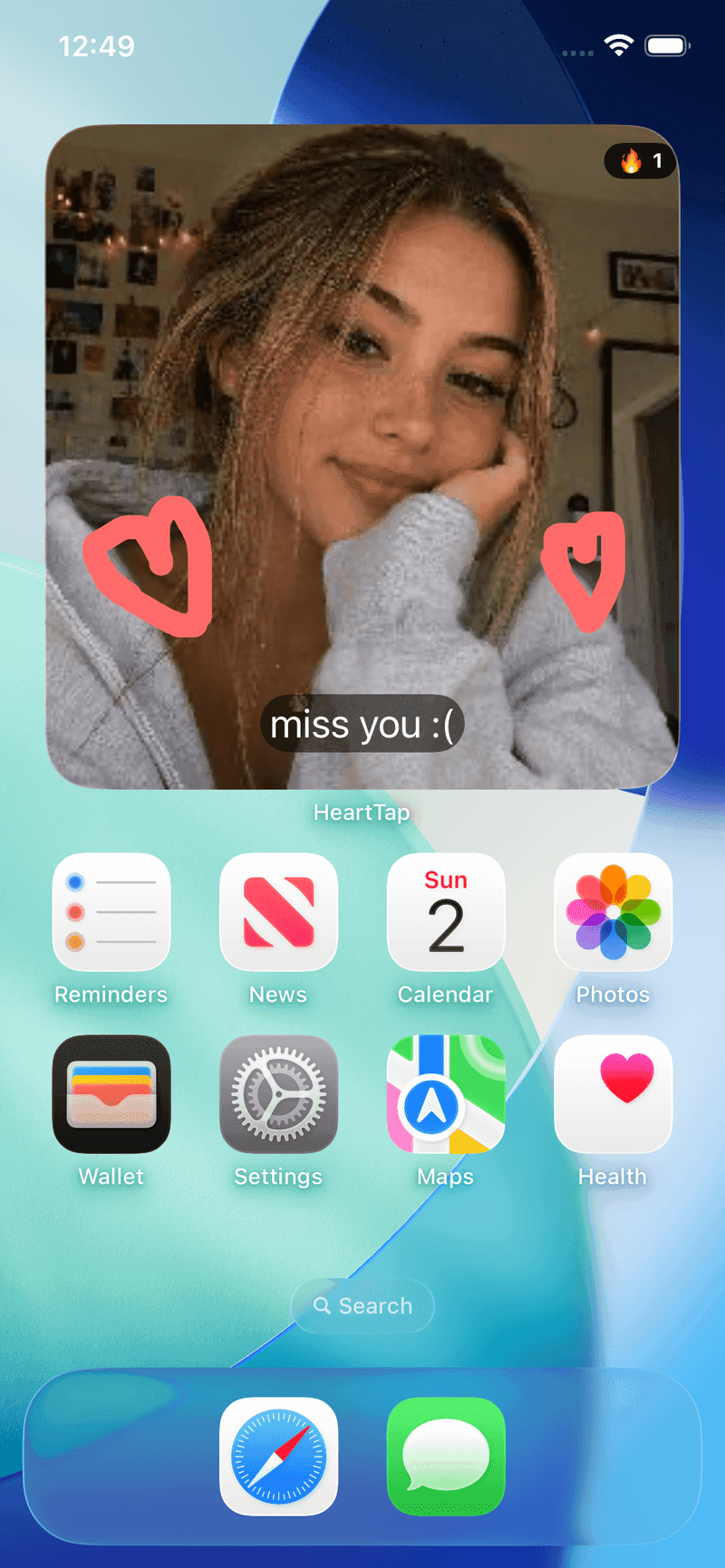
HeartTap’s status widget takes a photo, a short video, a drawing, or a plain colour with a caption, so the lazy option is always there. It also shows your shared streak, which helps on the days you would otherwise skip.
More ideas
Cute things to draw for your boyfriend or girlfriend
Sixty easy drawings, from thirty-second doodles to inside jokes, that still read at widget size.
Short love notes for your boyfriend or girlfriend
Sixty one-line notes sorted by moment: mornings, bad days, thank yous and time apart.
Worth reading next
Frequently asked questions
What should I put on a couple widget?
Whatever shows you were thinking of them, which sets a low bar on purpose. A photo of where you are, a few words on a coloured background, or a quick drawing all work. Ordinary updates sent often keep a widget alive better than good photos sent rarely.
How often should we update it?
About once a day each is the rhythm most couples settle into. More is fine. Less than every few days and the widget starts showing something stale, which is the point at which people stop looking at it.
What if I run out of ideas?
Attach it to a routine instead of to inspiration: the same moment every day, such as lunch or the walk home. A ritual does not need ideas. On empty days, a colour and two words is a complete update.
Do widget updates need to be photos?
No. In HeartTap a status can be a photo, a short video, a hand-drawn note, or a plain colour with a caption. Drawings and captions are often better received than photos, because they are obviously made for one person.
Put them on your home screen tonight
Free to download on iPhone and Android. Link with your partner in under a minute, then send your first photo, drawing or check-in.