

Comparison
A Locket alternative for couples
Locket did something clever: it took the home screen widget, which most apps use for weather, and turned it into a window onto people you care about. Send a photo, it lands on their home screen. Tens of millions of people use it and it works exactly as advertised, on both iOS and Android.
Last updated
The important thing to understand is that Locket is built around a small group of friends. You can add many people, everyone sees everyone’s photos, and the design assumes a circle rather than a pair. That is a feature if you want a circle. It is the reason couples eventually go looking, because a relationship is not a group chat and the things two people want to send each other are not the things you send to nine friends.
HeartTap takes the same core idea, a person on your home screen, and builds it for exactly two. Everything is one to one by construction: there is no group, no adding a third person, and nothing you send is ever seen by anyone but your partner.
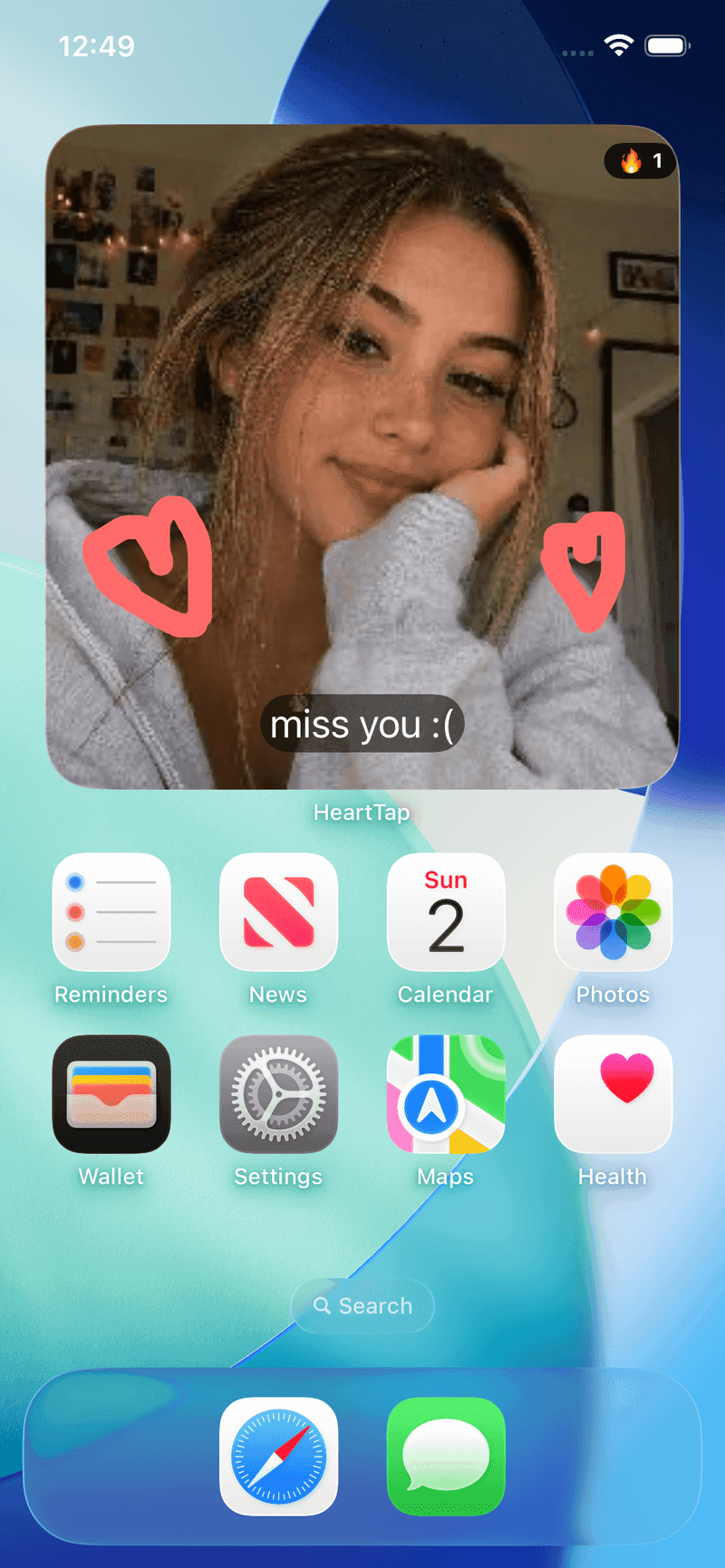
HeartTap, for reference
Feature by feature
| Feature | HeartTap | Locket Widget |
|---|---|---|
| Photo on the home screen widget | Yes, plus video and captions | Yes, this is the core of the app |
| Who can see what you send | Your partner only, one to one by design | The friends you have added, as a group |
| Hand-drawn notes | Yes, plus a live shared canvas | Not the focus of the app |
| Conversation questions | 2000+, answers hidden until both reply | Not a feature of the app |
| Daily check-in prompts | Three-prompt daily reflection | Not a feature of the app |
| Built for | Couples, two people | Friend groups, one to many |
| iPhone and Android | Both | Both |
| Price | Free with optional subscription | Free with optional subscription |
Competing apps change quickly. This describes each app’s core positioning as of October 2026, and the feature the comparison turns on rather than an exhaustive audit. Check the current store listing before deciding.
Pick Locket Widget if
- You want to share with a group of friends, not only a partner.
- Your friends are already on it, which is most of the value of any social app.
- A photo widget is the entire thing you want and the group aspect is a plus.
Pick HeartTap if
- You want everything you send to go to one person and nowhere else.
- You want drawing, questions and check-ins alongside the photo widget.
- The group dynamic is the thing you are trying to get away from.
A note on how this is written
We make HeartTap, so this is not a neutral review and you should not read it as one. What we have tried to do instead is be specific about what Locket Widget is genuinely better at, since a comparison page that concludes the author’s own product wins on every row is not telling you anything. If you want the wider view, the best couple widget apps page covers the category, and cross-platform support is worth checking for whichever app you pick.
The HeartTap feature this turns on
The status widget
Photos, video, drawings or a colour with a caption, on their home and lock screen.
Frequently asked questions
Is Locket good for couples?
It works, but it is designed around a friend group rather than a pair, so everything you post goes to everyone you have added. Plenty of couples use it happily by simply adding nobody else. Whether that feels right depends on whether you want a private channel or a small feed.
What is the best Locket alternative for couples?
It depends what you are missing. If you want a photo widget that is one to one and adds drawing, questions and daily check-ins, HeartTap covers that. If you only want photos and only want them going to one person, several couple-focused photo widget apps do that more simply.
Does Locket work between iPhone and Android?
Yes. Locket is on both the App Store and Google Play. So is HeartTap. Cross-platform support used to be the main thing separating apps in this category, and it is much less of a differentiator now than older comparison articles suggest.
Can I use both?
Yes, and a fair number of people do: Locket for the friend group and something couple-specific for their partner. Widgets are cheap in home screen terms, and there is no conflict between having both installed.
Put them on your home screen tonight
Free to download on iPhone and Android. Link with your partner in under a minute, then send your first photo, drawing or check-in.