

Comparison
A noteit alternative for couples
noteit is the app that made the idea mainstream: draw something, and it appears on your partner’s home screen. It is deservedly popular, it does the one thing well, and it is on both iOS and Android. If a doodle widget is genuinely all you want, it is a perfectly good answer and you can stop reading.
Last updated
The reason people look for an alternative is usually not that noteit is bad at drawing. It is that a drawing widget turns out to be one small part of what a couple actually wants from an app, and running three apps for three things gets old. HeartTap starts from the same place, a note on their home screen, and keeps going.
The other reason is the drawing itself. noteit is built around sending a finished note. HeartTap has a live shared canvas, where both of you draw on the same surface at the same time and watch each other’s strokes appear. That is a different experience from passing completed doodles back and forth.
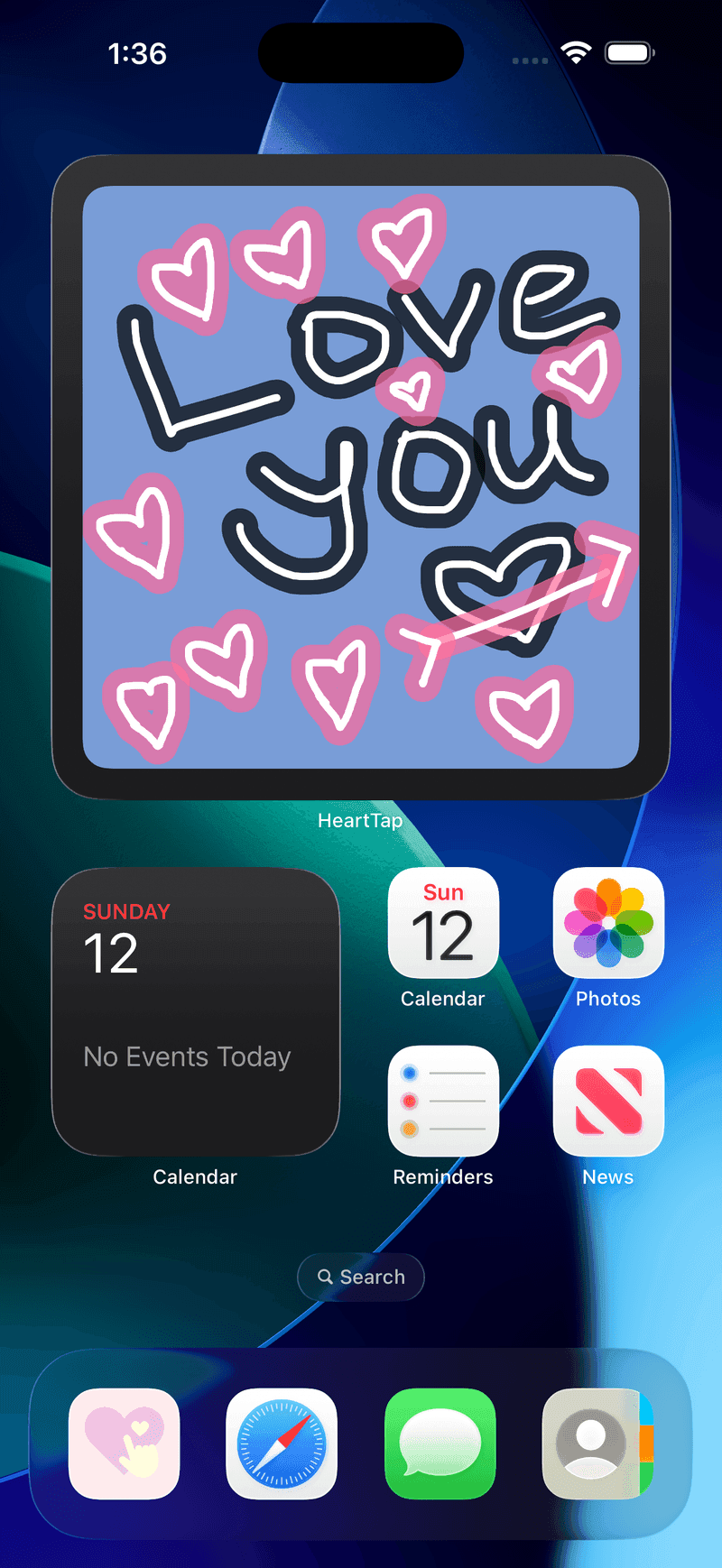
HeartTap, for reference
Feature by feature
| Feature | HeartTap | noteit |
|---|---|---|
| Drawings on the home screen widget | Yes, plus lock screen widgets | Yes, this is the core of the app |
| Live shared canvas, both drawing at once | Yes, in real time | Built around sending a completed note |
| Photos and video on the widget | Yes, with captions | Photo notes supported |
| Conversation questions | 2000+, with answers hidden until both reply | Not a feature of the app |
| Daily check-in prompts | Three-prompt daily reflection | Not a feature of the app |
| Shared timeline of what you have sent | Yes, with replies and reactions | History of notes |
| iPhone and Android | Both | Both |
| Price | Free with optional subscription | Free with optional subscription |
Competing apps change quickly. This describes each app’s core positioning as of October 2026, and the feature the comparison turns on rather than an exhaustive audit. Check the current store listing before deciding.
Pick noteit if
- You want exactly one thing, a doodle on their home screen, and nothing else.
- Your partner is unlikely to install anything with more than one screen in it.
- You already both use it happily, in which case switching costs more than it returns.
Pick HeartTap if
- You want the drawing and the photo widget and something to talk about, without three apps.
- Drawing together live appeals more than sending finished doodles back and forth.
- You are long distance and the daily check-in is worth as much to you as the widget.
A note on how this is written
We make HeartTap, so this is not a neutral review and you should not read it as one. What we have tried to do instead is be specific about what noteit is genuinely better at, since a comparison page that concludes the author’s own product wins on every row is not telling you anything. If you want the wider view, the best couple widget apps page covers the category, and cross-platform support is worth checking for whichever app you pick.
The HeartTap feature this turns on
The shared drawing canvas
Draw together live on one surface, or send a finished doodle to their widget.
Frequently asked questions
Is noteit available on Android?
Yes. noteit is on Google Play as well as the App Store, so a mixed-phone couple can use it. This was not always the case, and a lot of older articles still say otherwise, which is why the question keeps getting asked.
What is the main difference between HeartTap and noteit?
Scope, and how the drawing works. noteit is a focused drawing widget and is very good at that. HeartTap covers the widget plus a live shared canvas where you both draw at the same time, a question library, daily check-ins and a shared timeline. If you want one thing, focused is better. If you want the others, running one app beats running three.
Can I move our old notes from noteit to HeartTap?
No. There is no import path between the two apps, and neither offers an export that the other could read. Anything you have in noteit stays there, so most couples who switch simply leave the old app installed for a while and let it go quiet.
Is HeartTap free like noteit?
Yes, free to download and free to use daily, with limits on some actions. A subscription lifts those limits and unlocks the full question library. Linking with your partner and using the widget do not require paying.
Put them on your home screen tonight
Free to download on iPhone and Android. Link with your partner in under a minute, then send your first photo, drawing or check-in.