

Comparison
A Couple360 alternative for couples
Couple360 is a relationship app built around widgets. Its listing describes pinning a story or status to your partner’s lock screen and home screen at any time, and around that it adds a love map of the cities and countries you have visited together, a shared love diary, and countdowns for anniversaries and birthdays. It is on the App Store and Google Play, it is translated into fourteen languages, and when we checked in November 2026 it held a 4.6 rating from around 3,600 reviews on the App Store. It is a popular app and it is well reviewed.
Last updated
The thing to settle before choosing between the two is location. Couple360’s Google Play listing describes seeing your partner’s real-time status, walking, driving or resting, on a shared map, so you can tell whether it is a good moment to get in touch. For some couples that is the whole appeal: knowing the other person is on the road, or home, is reassuring. For others it is exactly what they do not want from a couple app.
HeartTap has no location features at all. It does not ask for location permission, there is no map, and nothing about where either of you is ever reaches the other phone. What it shares is what you choose to send: a photo, a short video, a hand-drawn note or a colour with a caption, on your partner’s home and lock screen. Around that it adds a live shared canvas where you both draw at once, a question library with answers hidden until you have both replied, and a short daily check-in.
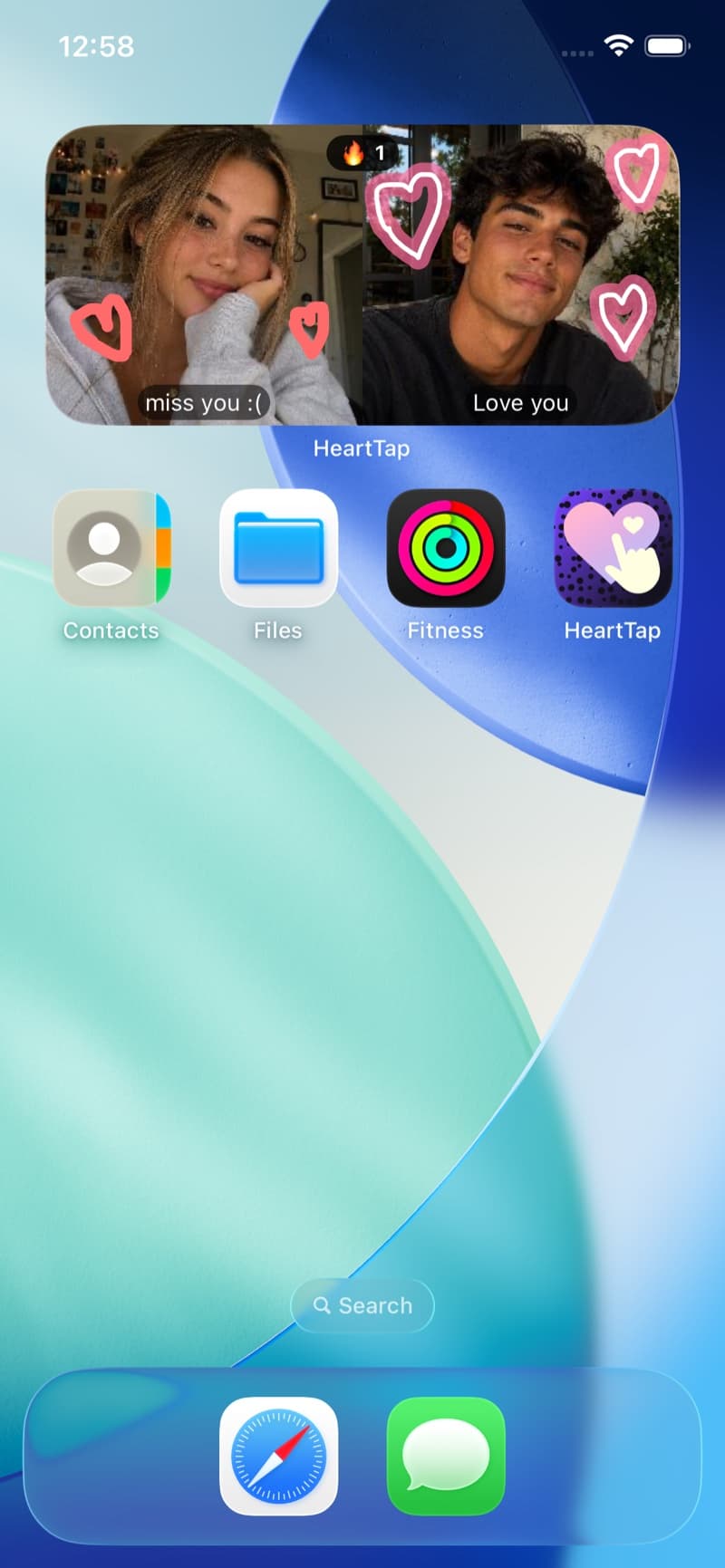
HeartTap, for reference
Feature by feature
| Feature | HeartTap | Couple360 |
|---|---|---|
| Your status on your partner’s widget | Photo, video, drawing or colour, with a caption | Stories and status, on lock and home screen widgets |
| Location sharing | None, by design | Real-time activity on a shared map, per its Google Play listing |
| Hand-drawn notes and a live shared canvas | Yes, both drawing at once in real time | Not the focus of the app |
| Conversation questions | 2000+, with answers hidden until both reply | Not the focus of the app |
| Daily check-in prompts | Three-prompt daily reflection | Not the focus of the app |
| Love map and shared diary | Not a feature of the app | Yes, places visited together and a love diary |
| Anniversary and birthday countdowns | Not a feature of the app | Yes |
| Built for | Couples, two people | Couples, and its listing also invites besties |
| iPhone and Android | Both | Both |
| Price | Free with optional subscription | Free with optional subscription and coin packs |
Competing apps change quickly. This describes each app’s core positioning as of November 2026, and the feature the comparison turns on rather than an exhaustive audit. Check the current store listing before deciding.
Pick Couple360 if
- You want to see where your partner is, or whether they are walking, driving or resting, before you call.
- A map of the places you have been together and a shared diary matter more to you than drawing or questions.
- You want anniversary countdowns, and on Android cycle tracking, in the same app as the widget.
- You already both use it happily, in which case switching costs more than it returns.
Pick HeartTap if
- You want a couple widget that never shares where either of you is.
- You want to draw together live, or send hand-drawn notes, as well as photos and video.
- You want something to talk about too: questions with hidden answers and a two-minute daily check-in.
A note on how this is written
We make HeartTap, so this is not a neutral review and you should not read it as one. What we have tried to do instead is be specific about what Couple360 is genuinely better at, since a comparison page that concludes the author’s own product wins on every row is not telling you anything. If you want the wider view, the best couple widget apps page covers the category, and cross-platform support is worth checking for whichever app you pick.
The HeartTap feature this turns on
The status widget
Photos, video, drawings or a colour with a caption, on their home and lock screen.
Frequently asked questions
How do I add the Couple 360 widget?
The same way as any widget, because adding one is part of the phone rather than the app. On iPhone, touch and hold an empty part of the home screen, tap Edit, then Add Widget, search for Couple360 and pick a size. For the lock screen, touch and hold the lock screen, tap Customise, then tap the widget area. On Android, touch and hold the home screen, tap Widgets, find Couple360 in the list and drag a widget into place. Couple widgets generally show a placeholder until both of you have installed the app and linked, so if it is blank, check that first.
Is Couple360 free?
Free to download, with in-app purchases. On the US App Store it lists a weekly plan at $3.99, a monthly plan at $2.99, a yearly plan at $29.99 and a lifetime purchase at $29.99, plus coin packs from $0.59. Those are the listed prices as of November 2026, so check the listing for current ones.
Is Couple360 on Android?
Yes. It is on Google Play as well as the App Store, so a couple with one iPhone and one Android phone can use it. HeartTap is on both stores too.
Does HeartTap share my location?
No. HeartTap has no location features: it does not ask for location permission, it has no map, and it never shows your partner where you are or what you are doing. Your partner sees only what you choose to send.
What is the main difference between HeartTap and Couple360?
What gets shared. Couple360 shares stories and status and, according to its Google Play listing, your real-time activity on a map, alongside a love map, a diary and countdowns. HeartTap shares only what you choose to send, photos, video and drawings, and adds a live canvas, questions and a daily check-in. If location sharing is a plus for you, Couple360 suits you better. If it is a minus, HeartTap does.
Can we use both?
Yes. They do not conflict, and a home screen has room for widgets from both. Some couples keep a location app for logistics and a separate widget for photos and drawings.
Put them on your home screen tonight
Free to download on iPhone and Android. Link with your partner in under a minute, then send your first photo, drawing or check-in.